Contacts
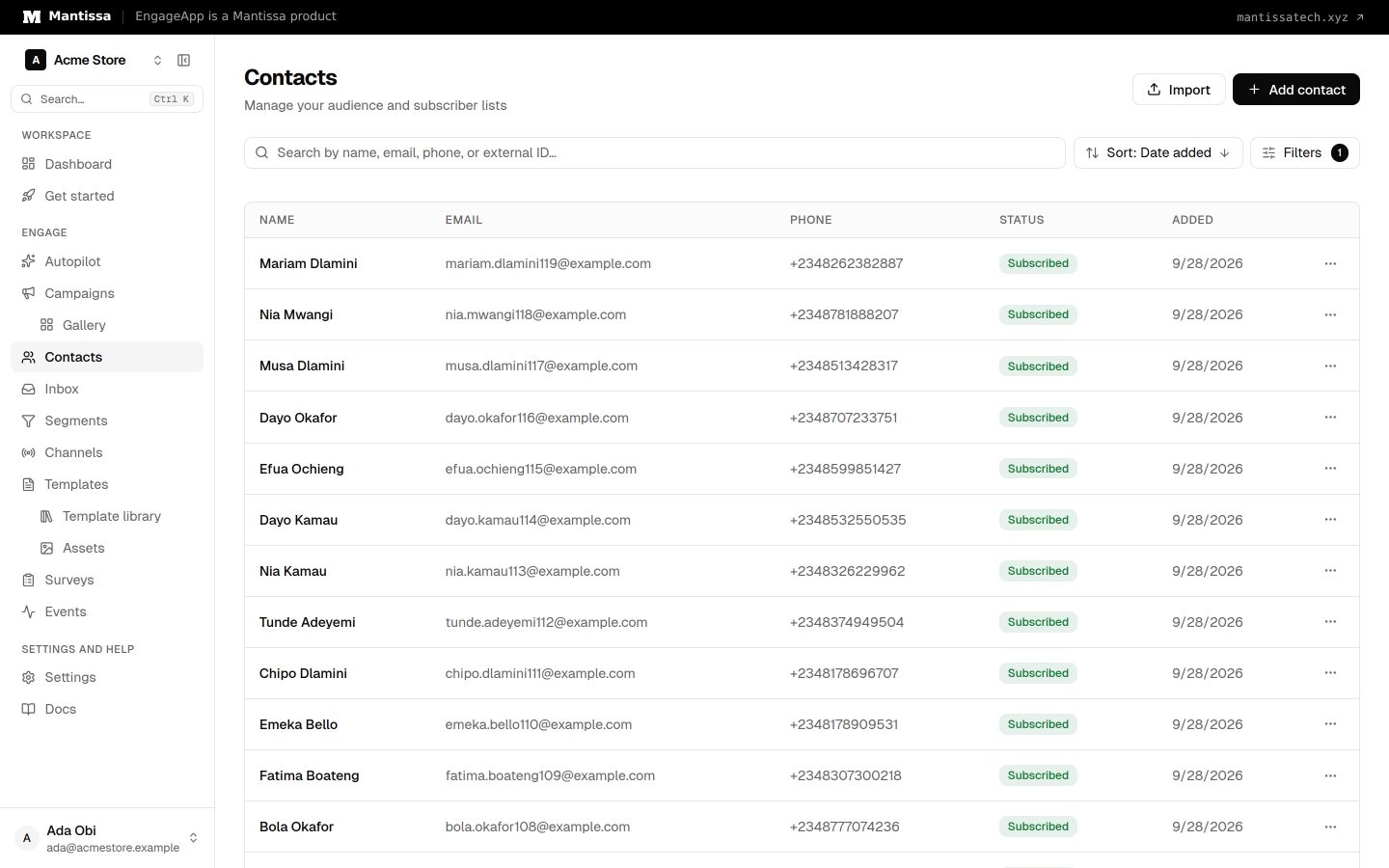
How EngageApp models your end-users as contacts, the fields they carry, and the ways to add them.
A contact is one of your end-users. Contacts are the audience of every campaign, and their fields power both segmentation and template merge fields.
Contact fields
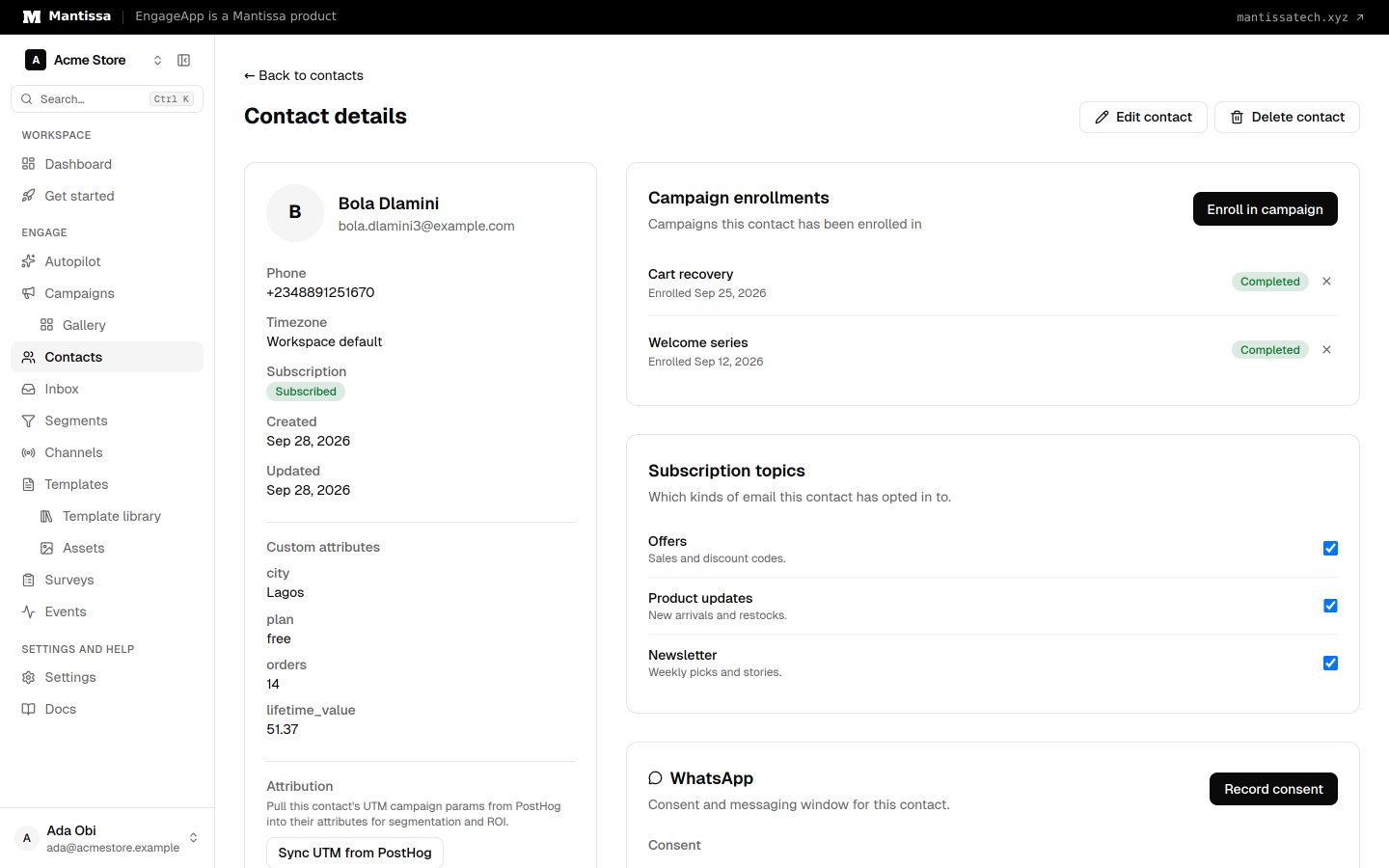
Each contact carries a standard set of fields:
external_id— your own stable identifier for the contact. EngageApp uses it to sync and identify the same person across imports, API calls, and SDK sessions.- Email and phone — used by the email, SMS, and WhatsApp channels.
- First name and last name.
- Custom attributes — arbitrary key/value data stored as JSON (e.g. plan, signup date, lifetime value).
- Subscribed flag — whether the contact currently consents to receive messages.
- Timezone — used to schedule and localize sends.
Contacts can also register one or more devices to receive push notifications.
Matching a contact by phone number
Store phone numbers however they arrive — EngageApp keeps a normalized copy of each one alongside it and matches on that, so 08012345678 and +234 801 234 5678 are recognised as the same person. Numbers written in local form are interpreted using your workspace's phone number region (Settings → Messaging), which is also what the SMS channel uses when it sends.
This is what lets an inbound signal carrying nothing but a number — a phone call, an SMS reply — land on the right contact. If two contacts share a number, the oldest one wins.
Adding contacts
There are three ways to get contacts into EngageApp:
- CSV import — upload and map a spreadsheet under Contacts → Import. See Importing contacts.
- Public API — call
POST /api/v1/public/contactsto batch upsert contacts from your backend. - In-app SDK — call the SDK's identify method to create or update the current contact.
The contact profile
Open any contact to see their full profile: current attributes, their campaign enrollments, their subscription topics, and their devices. To see a contact's events, open the Events page. This is the fastest way to debug why a contact did or did not receive a message.
Next steps
- Bulk-load your audience with Importing contacts.
- Group contacts with Segments.
- Track behavior by sending Events.
- Automate syncing through the public API reference.
Related
Importing contacts
Bulk-load or update your audience by uploading a CSV and mapping its columns to contact fields.
Segments
Group contacts by attribute and behavior rules to target campaigns and manual enrollments.
Events
Send behavioral events about your contacts to trigger campaigns, gate waits, and power segments.
Public API reference
The public HTTP API for server-side and SDK integrations — authentication headers and endpoints.
3CX phone system integration
Turn calls into automation signals — trigger a follow-up when a call is missed, and show agents who is calling.