Channels overview
The delivery channels EngageApp supports — email, SMS, WhatsApp, push, custom API, and full-screen in-app takeovers.
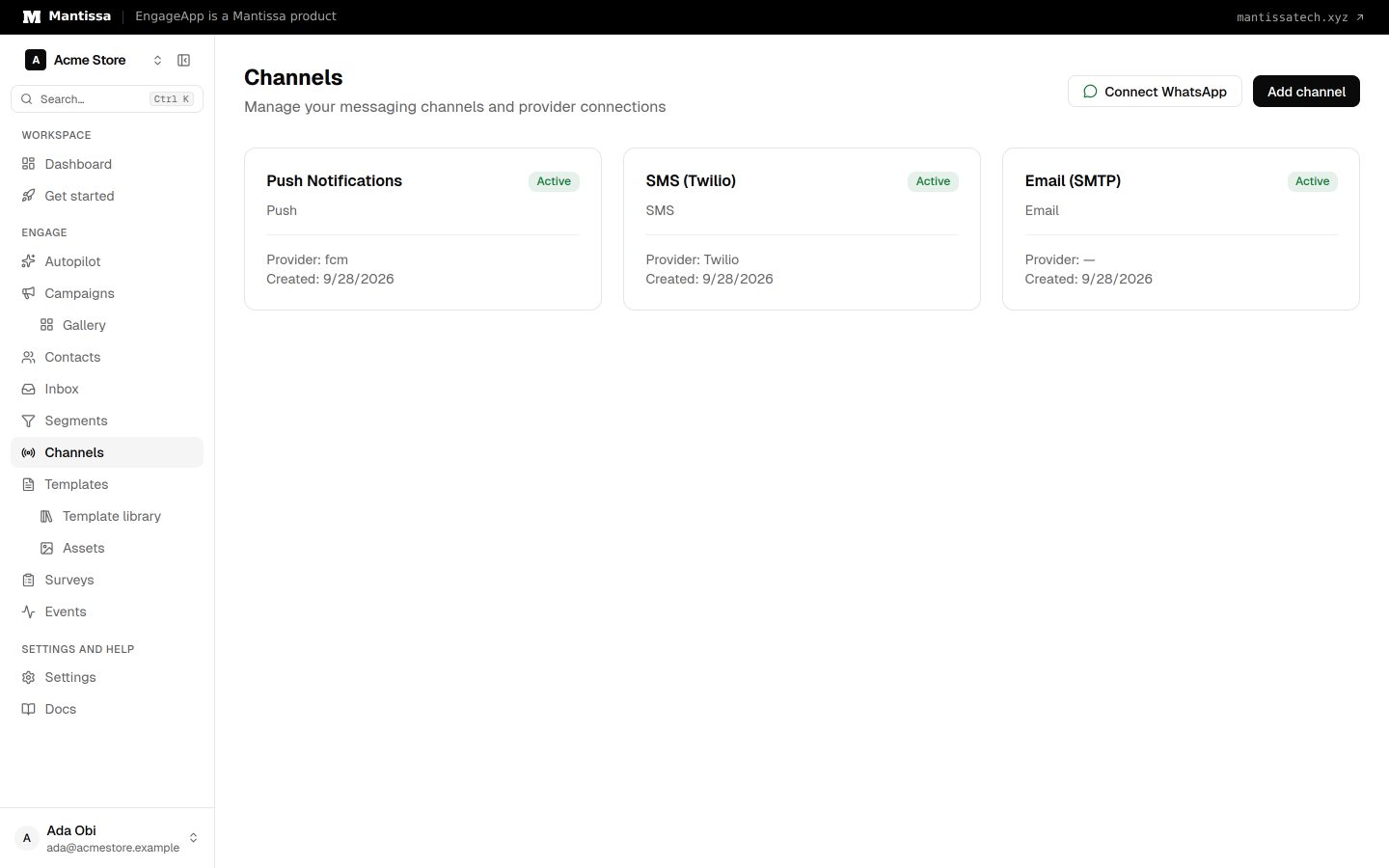
A channel is a configured delivery method. You create channels under Channels → Add channel, then reference them from a campaign's send message step. Each channel type has its own configuration and template format.
Available channels
- Email — your own SMTP server or EngageApp managed email, with a visual template editor.
- SMS — Twilio, Termii, BulkSMS, and 5LinkxSMS (self-hosted or platform-managed).
- WhatsApp — the official Meta WhatsApp Business Cloud API.
- Push — Firebase Cloud Messaging (FCM v1), targeting a contact's registered devices.
- Custom API — deliver to any HTTP endpoint you control.
- In-App Takeover — a full-screen message rendered natively by our SDK when your end-user opens your app. See the setup guide.
How delivery works
Most channels are push-based: a campaign step dispatches the message to a provider immediately. The In-App Takeover channel is pull-based — the message is queued and rendered the next time the end-user opens your app, because a takeover can only be shown in-context.
Related
Email channel
Send email through your own SMTP server or EngageApp managed email, authored with the visual MJML editor.
SMS channel
Send text messages through Twilio, Termii, BulkSMS, 5LinkxSMS, or Vonage — self-hosted or platform-managed.
WhatsApp channel
Send WhatsApp messages through the official Meta Cloud API: lanes, the 24-hour window, opt-in, templates and costs.
Push channel
Send mobile push notifications through Firebase Cloud Messaging to a contact's registered devices.
In-App Takeover setup
Integrate the EngageApp SDK (Web or Flutter) so full-screen in-app takeover campaigns render natively when your users open your app.